










How to Make a Website in 2026: A Beginner’s Guide
Building a website used to mean learning to code, hiring a developer, or paying a small fortune for an agency. Not anymore. In 2026, anyone can build a fast, good-looking website in an afternoon — no coding required. Here’s exactly how to do it, step by step.

Step 1: Decide What Kind of Website You Need
Before you touch any tool, get clear on your goal:
- Personal blog — sharing your writing, hobbies, or expertise
- Portfolio — showcasing design, photography, or freelance work
- Business site — services, contact info, credibility
- Online store — selling physical or digital products
Your goal shapes which platform and theme you’ll pick later, so don’t skip this step. 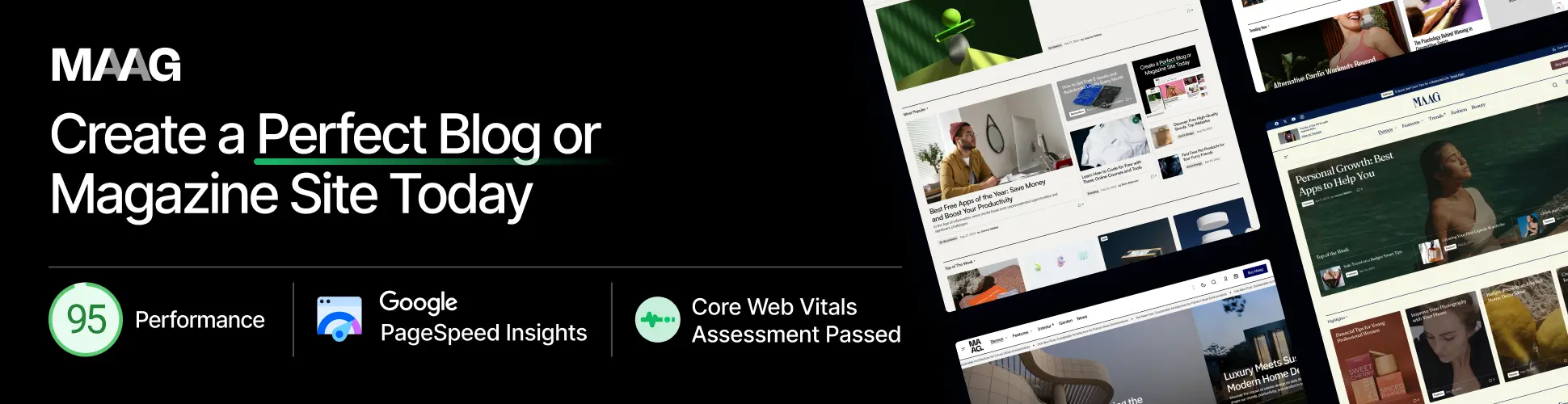
Step 2: Get a Domain Name and Hosting
Your domain is your website’s address (like yourname.com), and hosting is the server space where your site actually lives. You need both before anything else.
For beginners, I recommend Hostinger — it’s affordable, fast, and includes a free domain with most plans, plus one-click WordPress installation so you can skip the technical setup entirely.
👉 Get started with Hostinger here
Quick tips when choosing a plan:
- Pick shared hosting if you’re just starting out — it’s the cheapest and totally fine for new sites
- Make sure the plan includes a free SSL certificate (for the “https” padlock)
- Choose a data center location close to your target audience for faster load times
Step 3: Choose a Website Builder or CMS
In 2026, WordPress still powers a huge share of the web because it’s flexible and beginner-friendly. Once your hosting is set up, most providers (including Hostinger) let you install WordPress in one click.
Other options worth knowing about:
- Website builders (drag-and-drop, all-in-one, less flexible)
- WordPress (more control, huge theme/plugin ecosystem)
- Headless/no-code tools (for more advanced use cases)
For most beginners, WordPress hits the sweet spot between ease of use and long-term flexibility.
Step 4: Pick a Theme That Fits Your Site
Your theme controls how your site looks and feels. Instead of using a generic free theme, browse a marketplace with professionally designed, tested options.
ThemeForest (via Envato Market) has thousands of WordPress themes for every niche — blogs, portfolios, business sites, online stores, and more.
👉 Browse WordPress themes on ThemeForest
What to look for in a theme:
- Recent updates (avoid anything not updated in the last year)
- Good ratings and reviews
- Mobile responsiveness (test the live demo on your phone)
- Compatibility with page builders like Elementor if you want drag-and-drop editing
Step 5: Set Up Essential Pages
Every good website needs a few core pages:
- Home — first impression, clear value proposition
- About — who you are and why you’re credible
- Services/Products or Blog — your main content
- Contact — a simple form or contact details
Keep the copy short, the design clean, and the navigation obvious.
Step 6: Optimize Before You Launch
Before going live, run through this quick checklist:
- ✅ Test your site on mobile
- ✅ Check page load speed
- ✅ Set up basic SEO (page titles, meta descriptions)
- ✅ Install an SSL certificate (usually free through your host)
- ✅ Add Google Analytics or a similar tool to track visitors
Step 7: Launch and Keep Improving
Once you hit publish, your website isn’t “done” — it’s a living thing. Keep adding content, updating your theme and plugins, and refining your design based on how visitors actually use the site.
Final Thoughts
Making a website in 2026 comes down to three things: reliable hosting, a solid platform, and a theme that fits your goals. Start with Hostinger for your hosting and domain, then pick a polished design from ThemeForest — and you’ll have a professional website live faster than you think.
Got questions about your specific niche or site type? Drop a comment below!